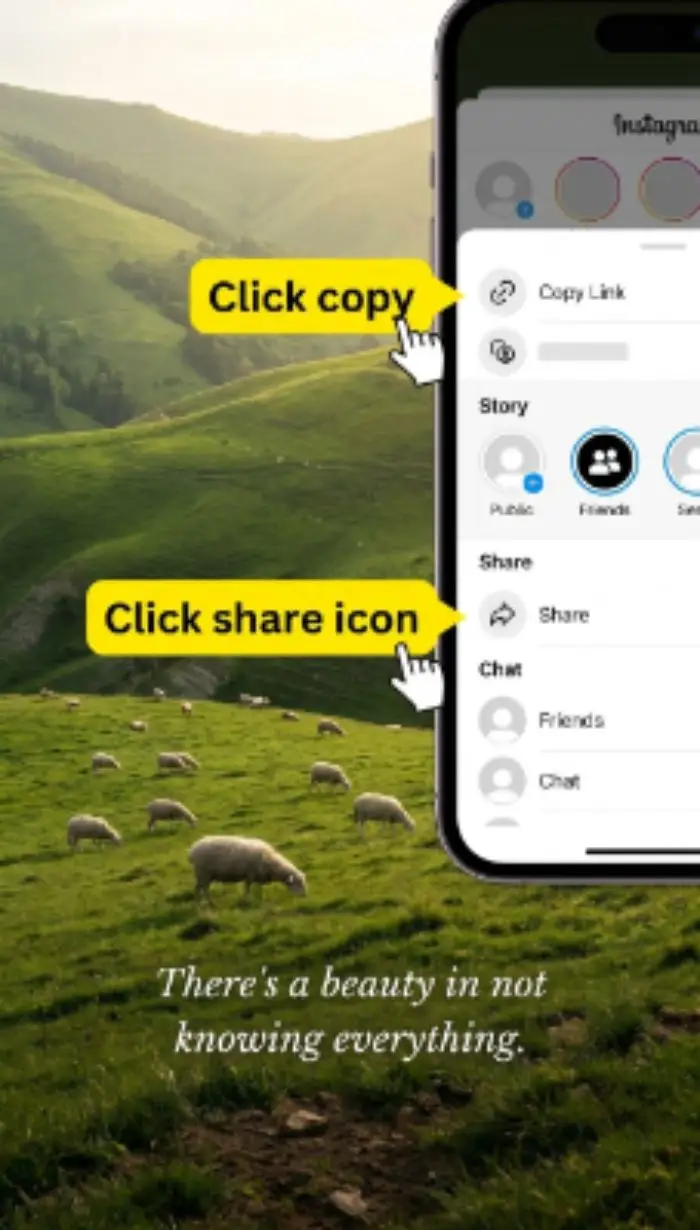
Copy the Snapchat Link
Open Snapchat, find the public video or Spotlight post, tap Share, then copy the link.
Fast and free Snapchat Video Downloader. Save any public Snap video in HD — no watermark, no login, and no limits. Results ready in under 3 seconds.
Three easy steps — done in seconds
Open Snapchat, find the public video or Spotlight post, tap Share, then copy the link.
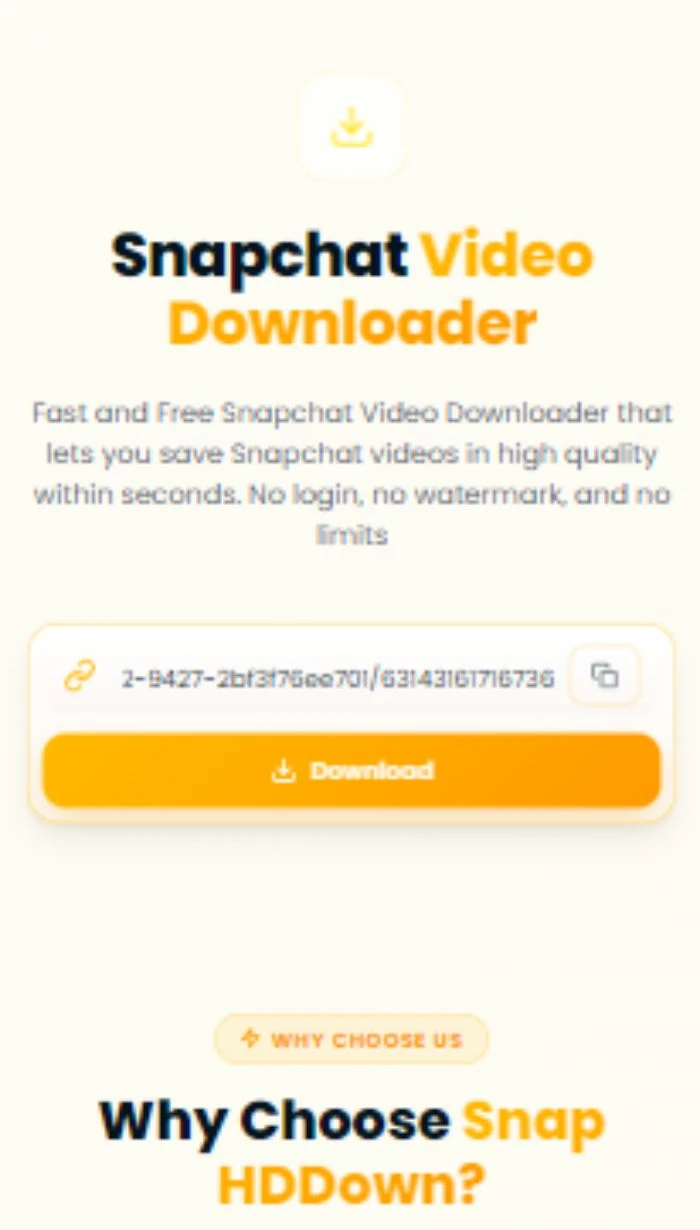
Paste the link into the box above and hit the Download button. We fetch the HD file instantly.
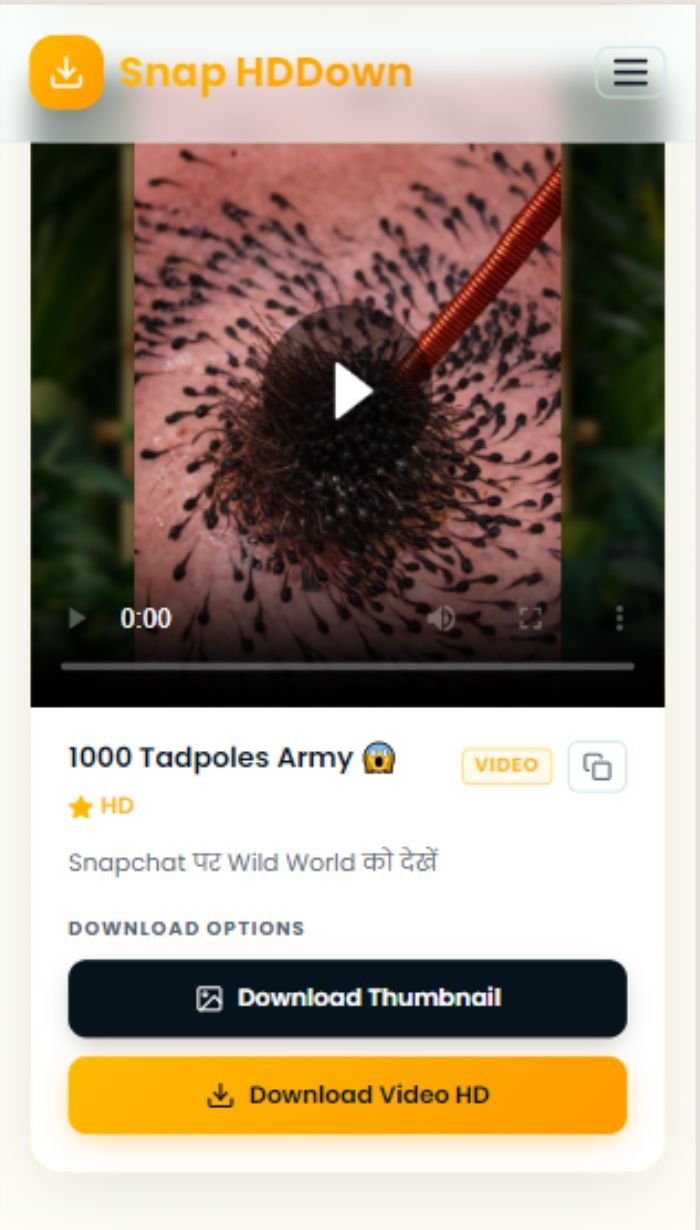
Your video downloads directly to your device in full HD — no watermark, no app required.
Built for speed, privacy, and quality
Download in the original resolution Snapchat serves — full HD, no quality loss.
No Snapchat account needed. Paste a public link and download instantly.
We stream the original file — no branding, overlays, or quality degradation added.
Unlimited downloads at zero cost. No subscriptions, no credits, no catch.
Most videos resolve in under 3 seconds. No waiting, no queues.
Works on iPhone, Android, Windows, Mac, and any browser — no app install needed.
Yes — 100% free with no hidden fees, no account required, and no download limits. Simply paste a public Snapchat link and download.
No watermark is added by us. You receive the original media file exactly as Snapchat serves it — no overlays, no branding.
Yes. The site is fully mobile-optimised. On iPhone, long-press the video preview and select Save to Photos. On Android, tap Download and open your Downloads folder.
No. This tool only works with publicly shared Snapchat content such as Spotlight videos and public Stories. Private snaps cannot be accessed.
The snap may be private, expired, or region-restricted, or Snapchat may have updated its page structure. Make sure the URL opens publicly in a browser without logging in.